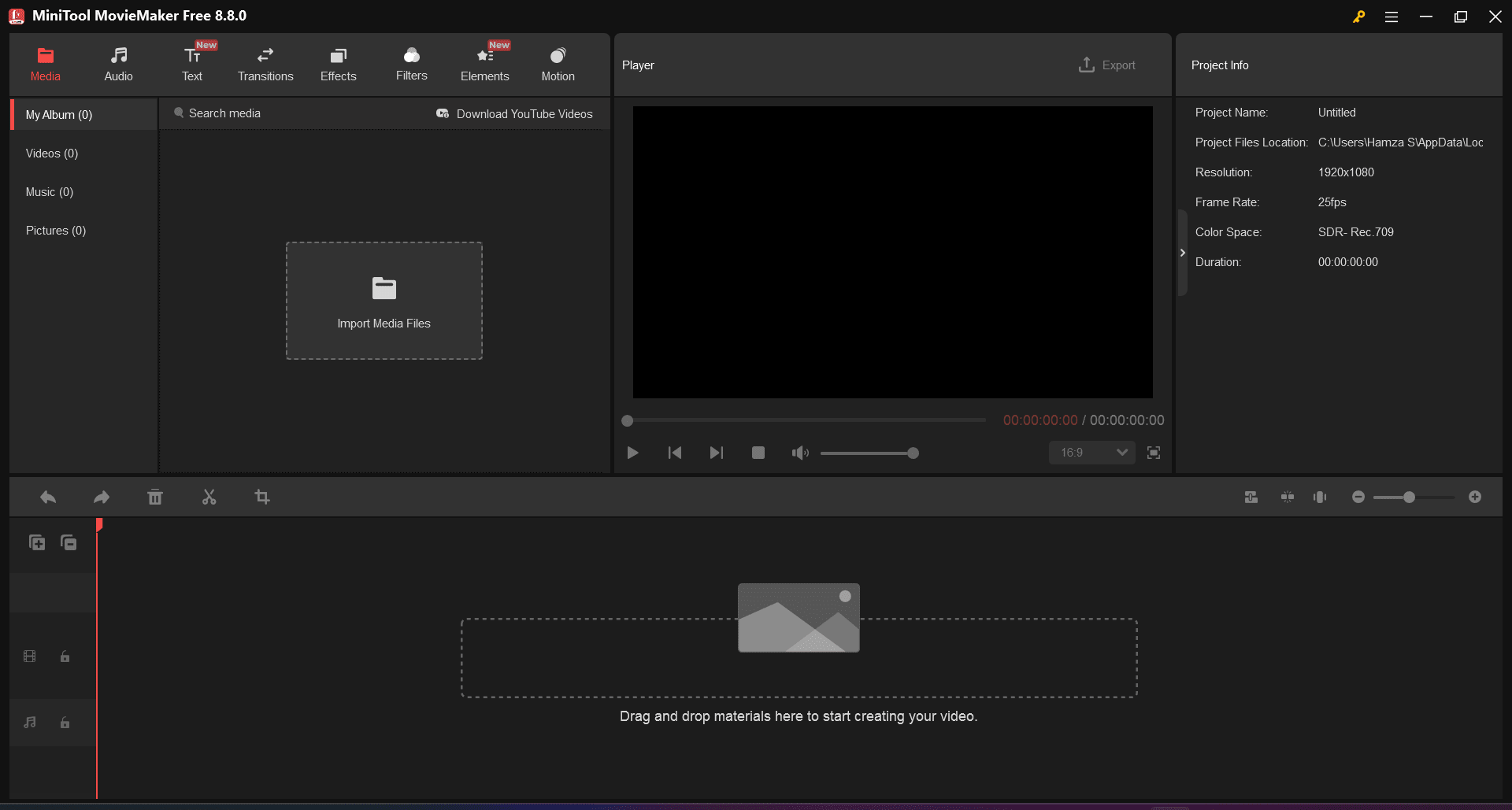
MiniTool MovieMaker is a Windows-exclusive video editing application designed for beginners. It offers an ideal solution if you feel overwhelmed by complex, professional-grade editors with sprawling multi-track timelines and endless configuration menus.
The software strips away unnecessary complexities, focusing instead on a clean, streamlined interface. While it cannot replace professional software for seasoned editors, it works perfectly for assembling social media clips and personal home movies.
Intuitive editing
The workspace is entirely uncluttered, keeping every essential tool readily accessible without menu diving. You can construct a polished video or slideshow in minutes without fighting a steep learning curve.
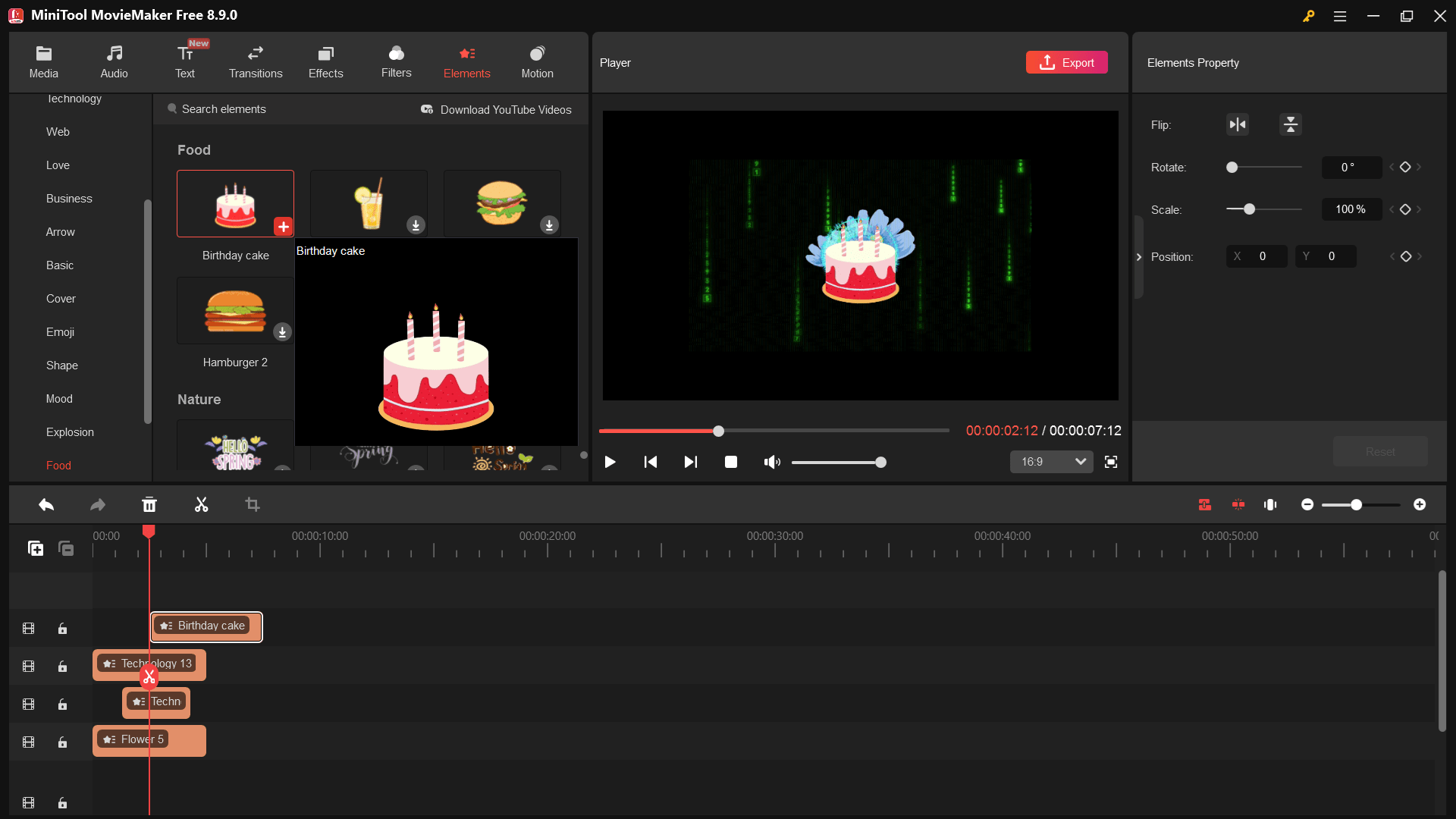
Just drag and drop media files directly onto the timeline to trim, adjust, and arrange them. The primary magnetic timeline automatically snaps clips together, preventing accidental blank frames from ruining the final export.Transitions, text, and effects
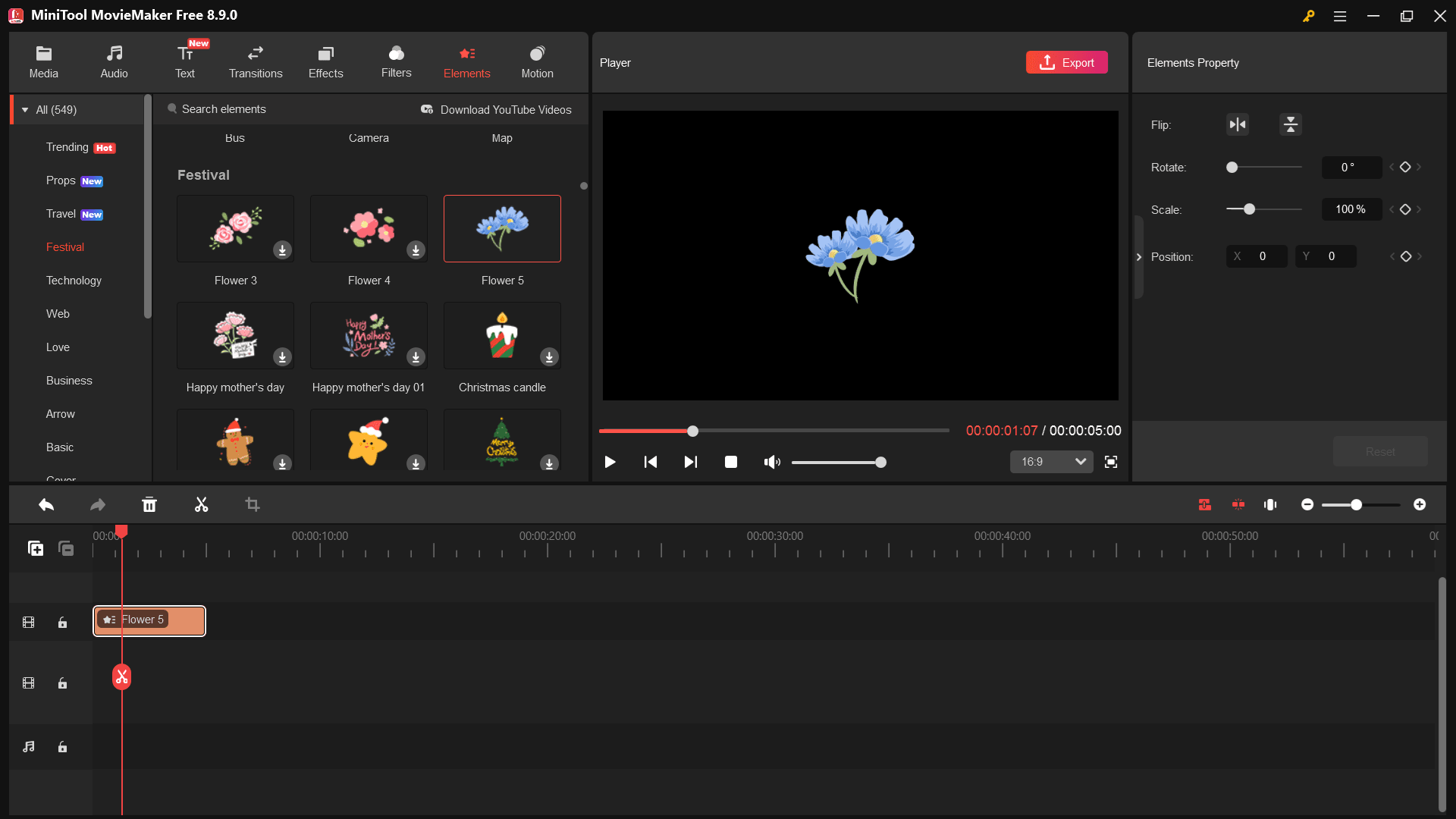
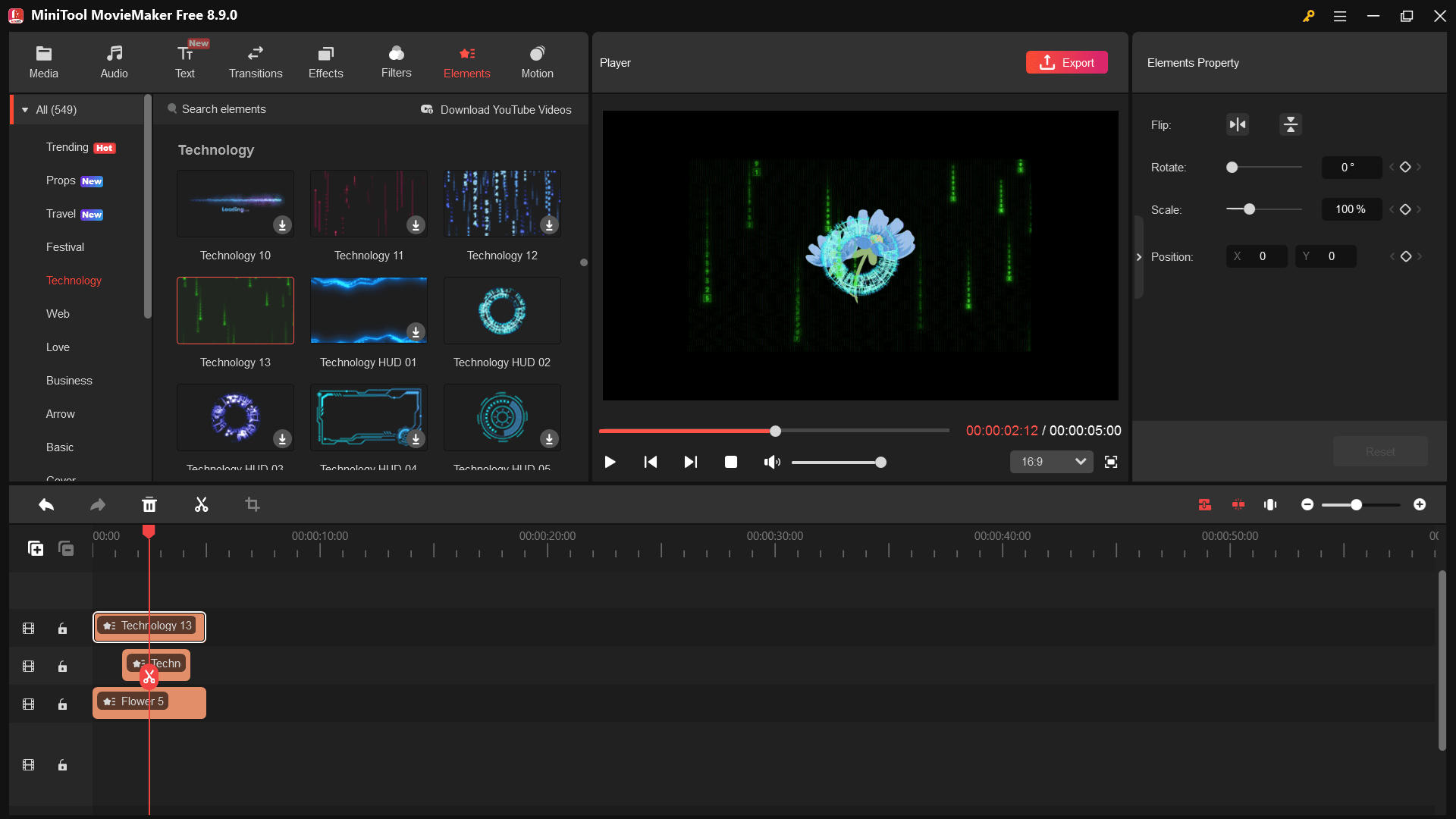
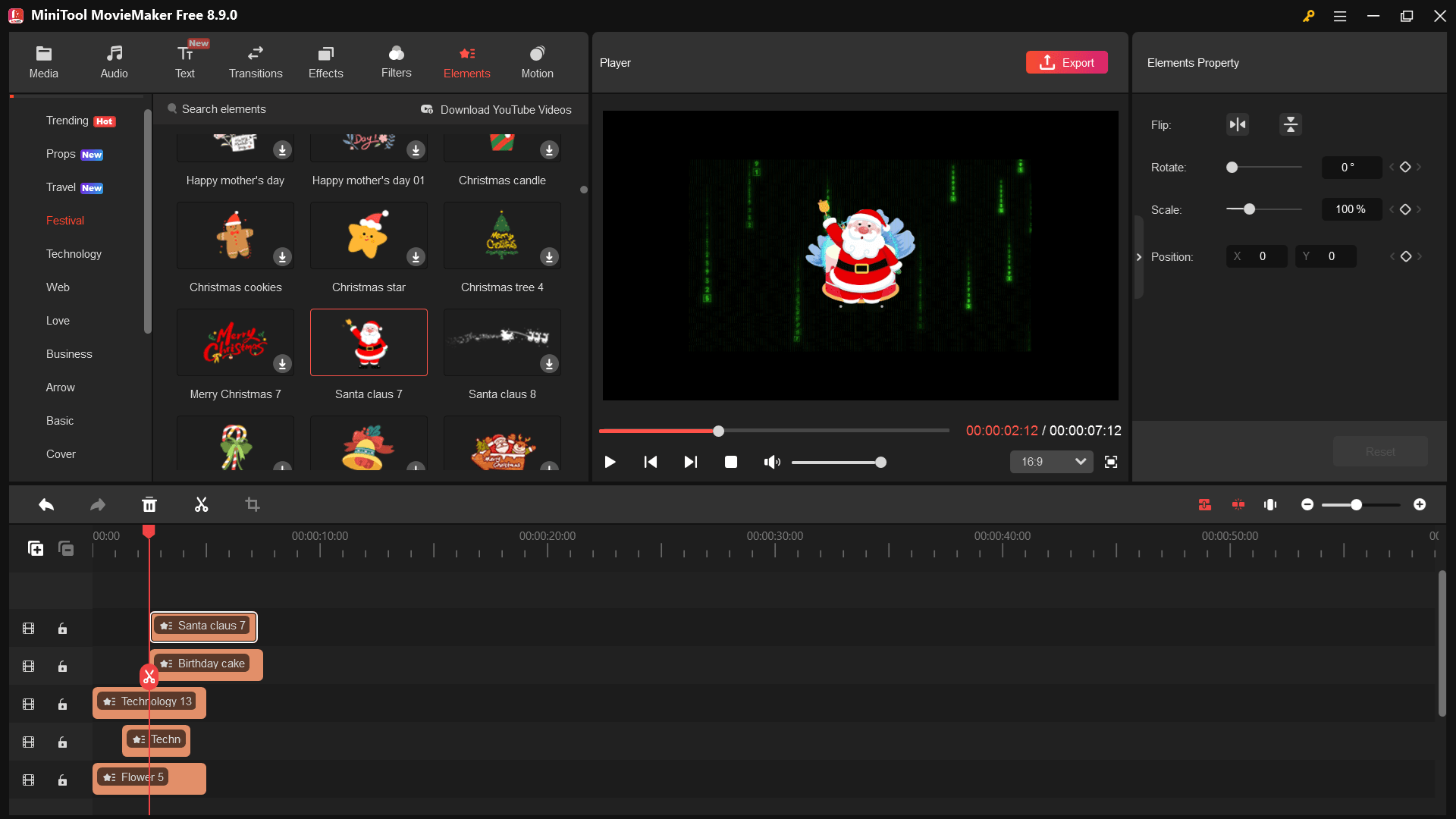
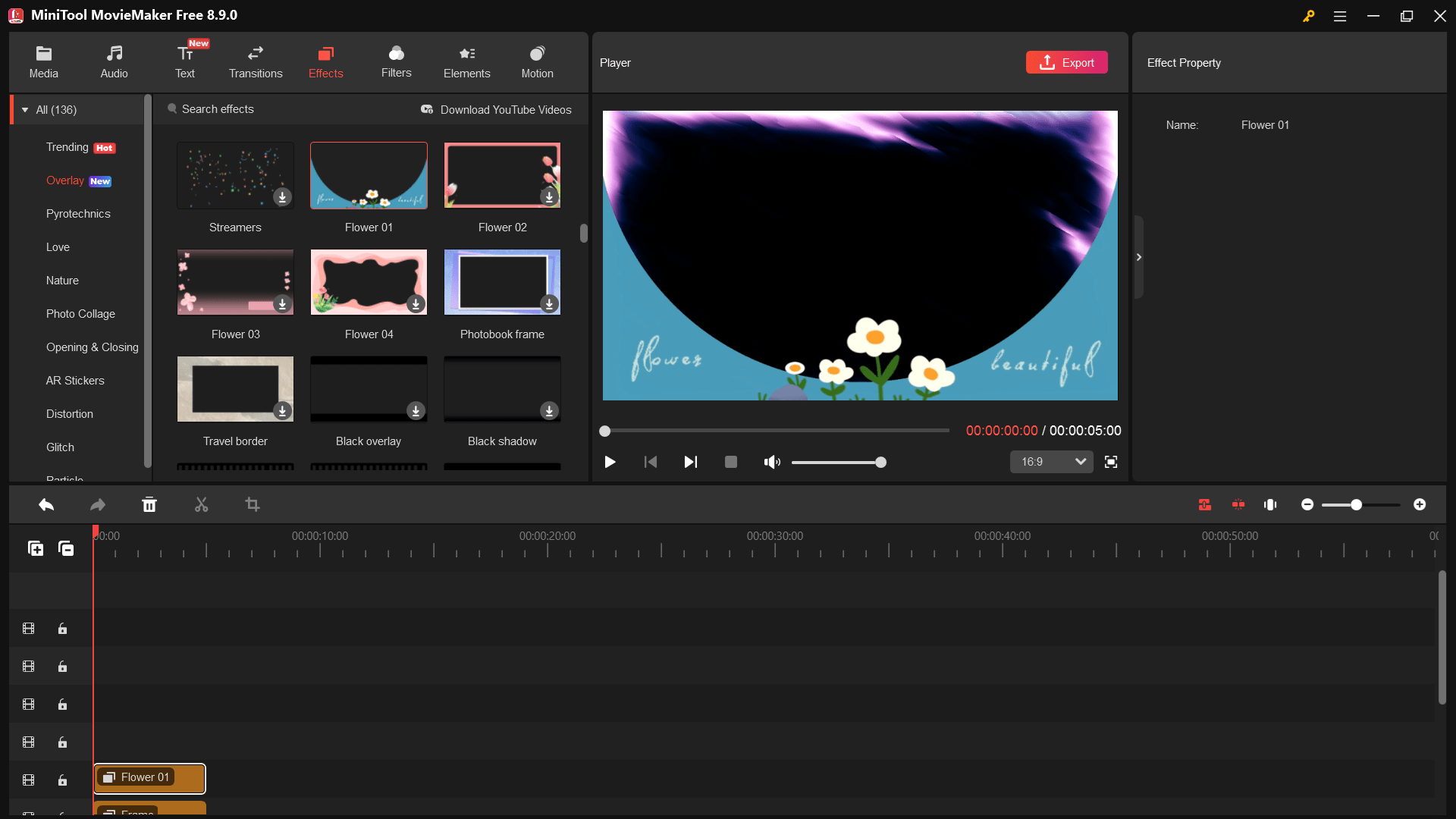
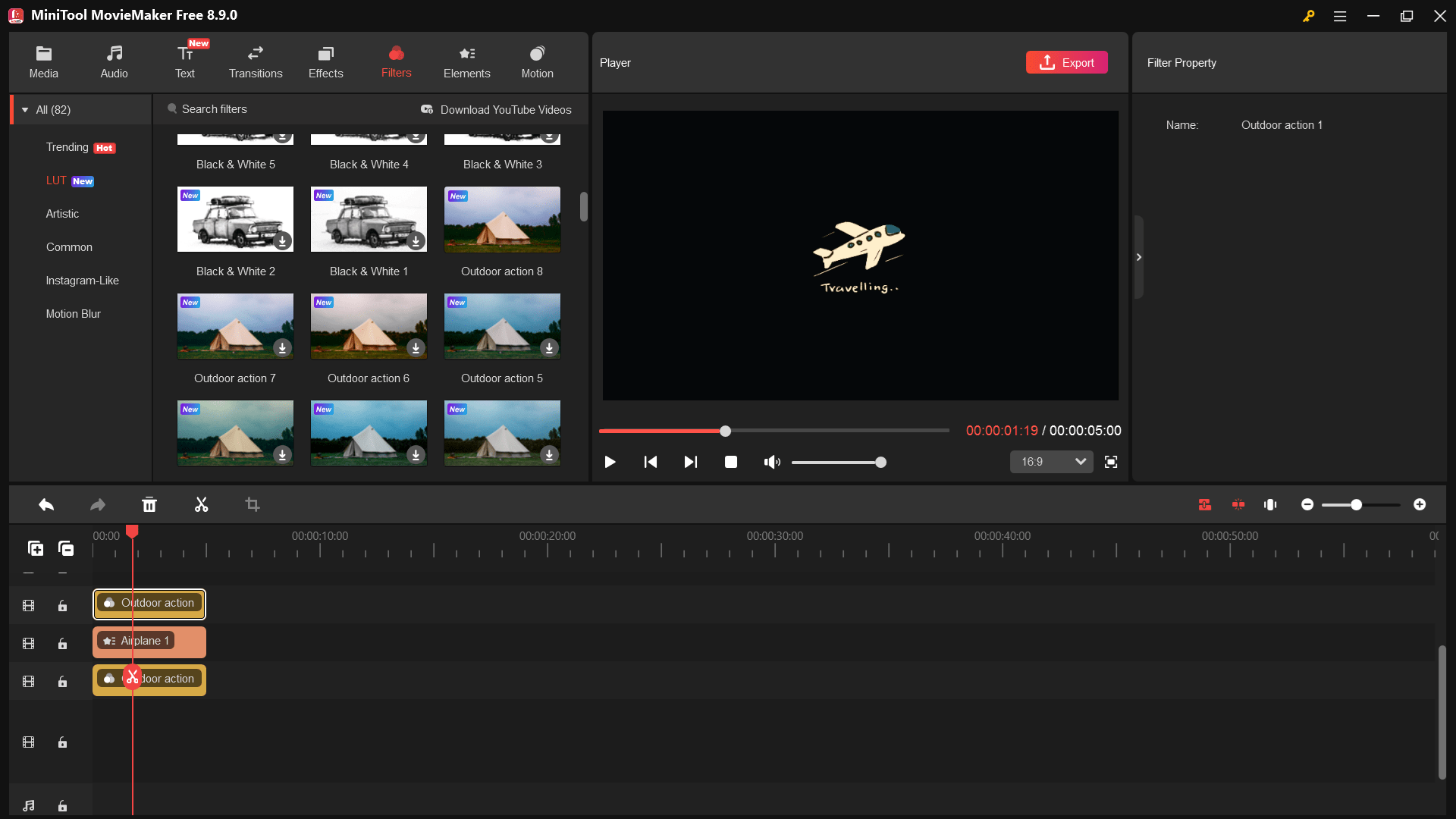
Despite its simplified design, the application packs a generous library of creative assets. You will not find the sheer volume of an industry-standard editor, but it provides a highly respectable selection of dynamic transitions, visual filters, and animated elements. The customizable text styles make it easy to add professional-looking titles and lower thirds to your projects with just a few clicks.Pricing and availability
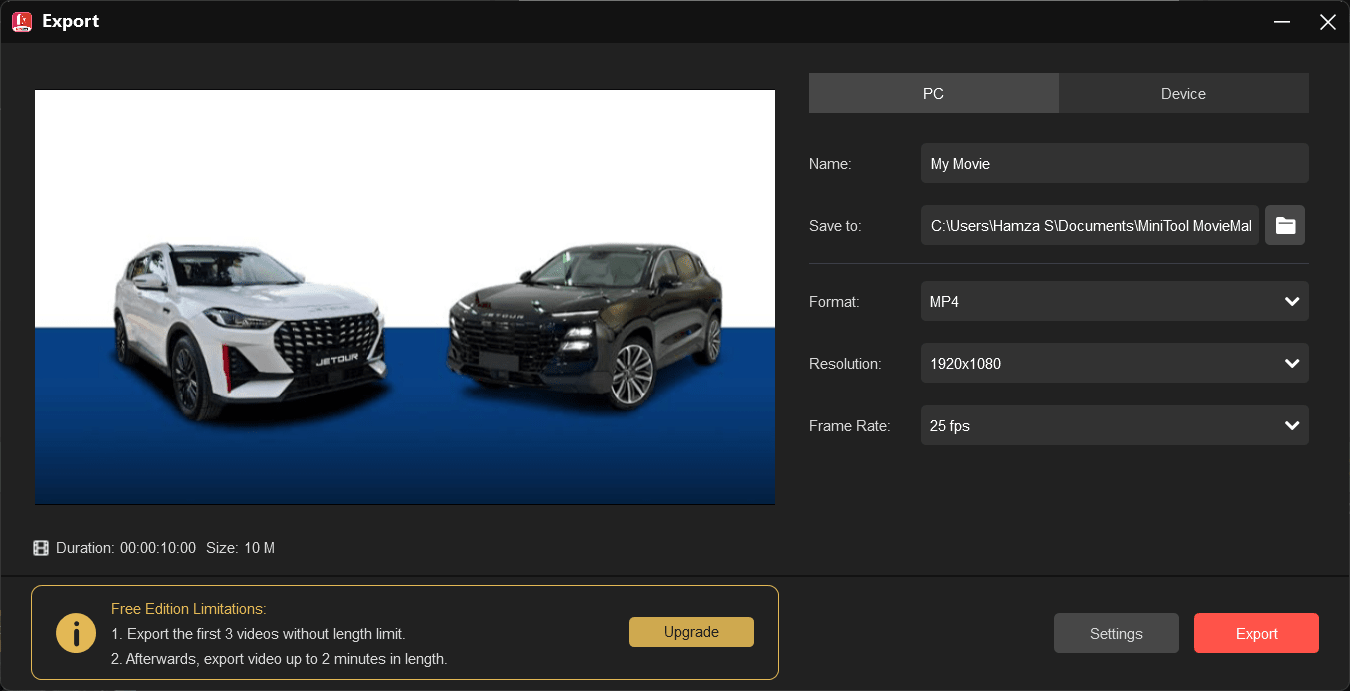
MiniTool MovieMaker operates on a freemium licensing model. The free edition allows you to export your first three videos at any length without watermarks. From your fourth project onward, you must either upgrade to a premium license or limit your exported videos to a maximum length of two minutes, though they remain watermark-free.
Paid versions are available as monthly, semi-annual, and annual subscriptions. Because the final cost depends on the tier chosen or active promotions, you should check the official website for current rates.A great starting point for simple video projects
MiniTool MovieMaker succeeds exactly where it intends to: making video editing accessible for everyday Windows users. If your workflow requires complex color grading, motion tracking, or multi-cam editing, skip this software. But if you just need a reliable, lightweight tool to merge clips, add a backing track, and apply a stylistic filter, it is a highly practical utility that saves time and frustration.